AI Videos Look Bad? Here's Why
Summary
Many AI-generated videos appear low quality due to common user mistakes rather than AI limitations. This guide identifies five key errors in AI video creation and provides actionable solutions, focusing on proper start frame usage, high-quality image generation, precise prompting, character consistency, and understanding tool capabilities. Implementing these fixes and pro tips can significantly enhance the cinematic quality and realism of AI videos.
Key Takeaways
- 1Avoid generating videos from long text prompts; instead, use a high-quality start frame to control composition and initial visual elements.
- 2Utilize models like Soul 2 for generating production-ready start frames, ensuring images are sharp and free from 'plasticky' AI artifacts.
- 3Craft specific prompts by defining 'who, where, what's happening, camera move, and mood' to guide AI models effectively, rather than using vague terms.
- 4Maintain character consistency across multiple clips by creating and tagging a character sheet, preventing visual discrepancies like face drift or changing features.
- 5Focus on one primary action and one or two secondary actions per scene to avoid overwhelming AI models and viewers, stitching complex sequences in editing.
- 6Leverage LLMs like Gemini to generate detailed prompts for animation, but always review and tweak the output for desired results.
- 7Employ motion control for precise action or camera movements by recording a reference video and transferring it to the AI character.
The Importance of Start Frames
A common mistake in AI video generation is relying solely on text-to-video prompts, which functions like a slot machine with minimal control over composition. This approach forces the AI to invent all elements simultaneously, leading to unpredictable and often low-quality results.
The solution is to use a start frame, which is an initial image that dictates the video's beginning. Providing a start frame gives the user control over the foundational visual elements, allowing subsequent prompt adjustments to refine the animation. This method significantly improves the quality and predictability of the generated video.
Generating High-Quality Start Frames
Using a poor-quality start frame, even if high-resolution, can degrade the entire video. Blurry images or those with 'plasticky' AI skin textures will be carried through every second of the animation, making the final output appear cheap.
To fix this, select the right AI models and prompts for image generation. For instance, using 'Soul 2' is recommended for creating production-ready images. Describe the desired image in simple terms and use a prompt enhancer. Investing time in creating a high-quality start frame is crucial, as it accounts for approximately 80% of the final video's quality.
Crafting Effective Animation Prompts
Vague prompts are a significant barrier to creating cinematic AI videos. Expecting a finished movie shot from a single, unspecific prompt is unrealistic, as AI models require clear intent, similar to how film directors operate. Instead of generic requests like 'cinematic scene,' users need to provide precise instructions.
Effective prompts should define five key elements: 'who,' 'where,' 'what's happening,' 'what camera move,' and 'what mood.' AI models are increasingly adept at understanding and following detailed prompts. For example, specifying a subject, location, action, camera behavior (like 'handheld'), and genre can transform a basic concept into a compelling video.
Ensuring Character Consistency Across Clips
A major issue in multi-clip AI videos is character inconsistency, where actors might change hair color, eye color, or facial features between shots. Even subtle discrepancies are easily noticed by the human brain and detract from the video's realism.
The solution involves creating a consistent character using tools like Nana Banana Pro to generate the same character from various angles. This character can then be uploaded and tagged in video generation studios, ensuring that the same individual appears consistently across all shots, eliminating face drift or morphing.
Optimizing for AI Model Capabilities
Overloading AI models with too many complex actions in a single scene is a common mistake. While AI models are improving, they have limitations; asking for multiple explosions, an earthquake, and an emotional conversation simultaneously can overwhelm the tool and the viewer.
To optimize, focus on one primary action and one or two secondary actions per scene. Complex sequences should be broken down: generate an explosion from a wide angle, an earthquake as a medium shot, and a conversation as a close-up. These individual shots can then be stitched together in a video editing tool or generated separately within a multi-shot prompt, leveraging different models for their specific strengths (e.g., physics vs. human emotions).
Pro Tips for Cinema-Level AI Videos
To elevate AI videos to a cinematic level, several advanced techniques can be employed. One effective hack is to use large language models (LLMs) like Gemini or ChatGPT to generate detailed animation prompts from simple descriptions. It's crucial to review and tweak these AI-generated prompts rather than blindly copying them, and to explicitly instruct the LLM not to generate the animation itself, but only the prompt.
For pinpoint precision in action or camera movement, motion control can be used. This involves recording a quick video of the desired action and transferring it to the AI character, especially with scene control enabled. When generating images, provide as much detail as possible regarding clothing, makeup, lighting, and composition, thinking like a movie director. For super-fast motion that tends to morph, generate a slow-motion version and then speed it up in an editing tool, saving significant time on complex action scenes.
FAQ
What is the main insight from AI Videos Look Bad? Here's Why?
Many AI-generated videos appear low quality due to common user mistakes rather than AI limitations. This guide identifies five key errors in AI video creation and provides actionable solutions, focusing on proper start frame usage, high-quality image generation, precise prompting, character consistency, and understanding tool capabilities. Implementing these fixes and pro tips can significantly enhance the cinematic quality and realism of AI videos. One important signal is: Avoid generating videos from long text prompts; instead, use a high-quality start frame to control composition and initial visual elements.
Which concrete step should be tested first?
Avoid generating videos from long text prompts; instead, use a high-quality start frame to control composition and initial visual elements. Define one measurable success metric before scaling.
What implementation mistake should be avoided?
Avoid skipping assumptions and execution details. Utilize models like Soul 2 for generating production-ready start frames, ensuring images are sharp and free from 'plasticky' AI artifacts. Use this as an evidence check before expanding.
Related Summaries
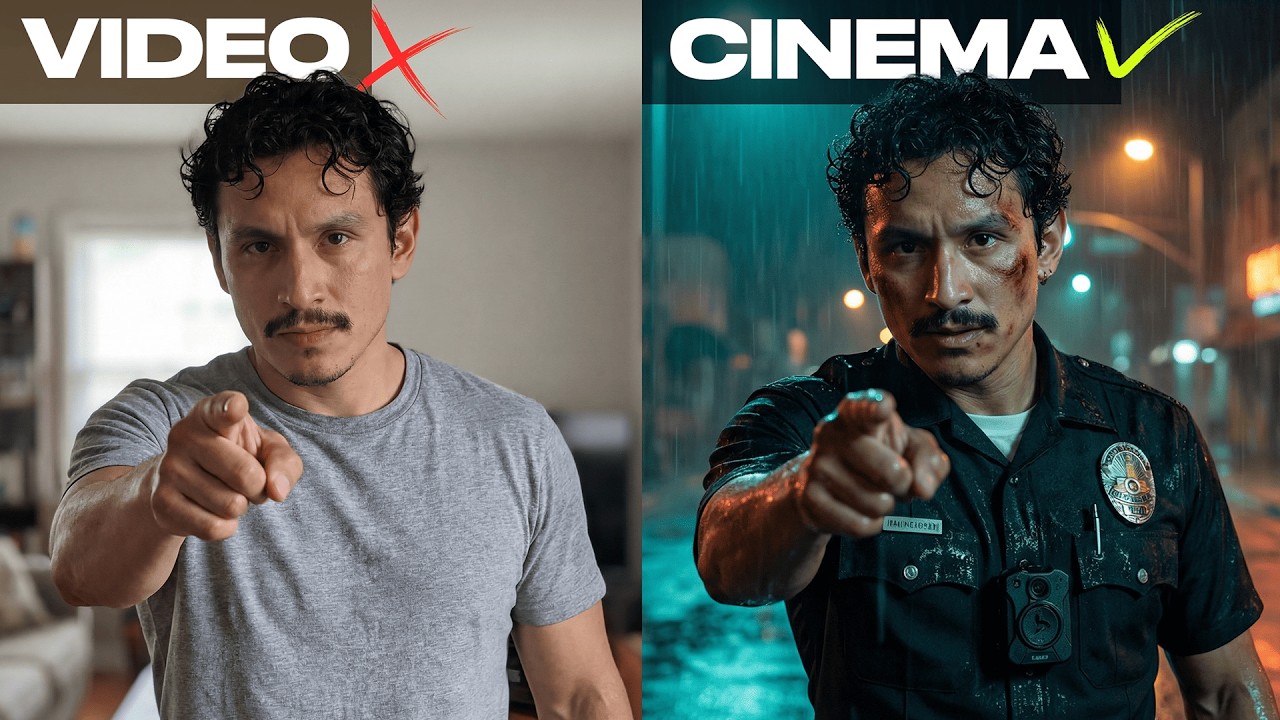
How I Create Cinematic AI Films in 1 Hour

7 Ways to Make More Than Your 9-5 With AI

Pinterest Affiliate Marketing with AI: Full 2026 Course
Higgsfield’s NEW Soul 2.0 AI Image Generator is AMAZING

Best AI Voice Generator 2026 (Most Realistic)

Best AI Image Generators 2026 (Most Realistic)
Semrush Review 2026 (Worth It for SEO?)

Gemini can now start a 1 person business in 12 minutes
How to Live a Life You Won’t Regret at 80 - Bill Gurley

Why YouTube Stopped Pushing Your Videos (And How To Get Views Again)

S15 E10: Why AI Is the Next Industrial Revolution

The ULTIMATE AI Video Repurposing Hack! (TubeOnAI Review)

Stop Paying for Placeit: Use Mockey AI Instead ($99 LTD)
Microsoft Copilot for Organizations – Complete Tutorial

Microsoft Copilot (Free Version) – Complete Tutorial
Every AI Model Explained

GPT-5.4 First Test Results

Gemini Can Now Write You a Song

Stanford AI Expert: 71% of People Won't Survive the AI Shift — Here's the 30-Minute Fix
